PoE Explained: Do You Need a PoE Switch, a PoE Injector, or a Power Adapter?
If you have ever stood on a ladder, trying to figure out where to plug in a CCTV camera that is 40 metres from the nearest socket, you already understand why PoE exists.
PoE stands for Power over Ethernet. It does exactly what the name says: one network cable carries both data and electricity to your device. No extra power point, no extra cable, no extra adapter hanging off the wall.
It sounds simple, and it mostly is. But when it's time to buy, people get stuck on one question: do I need a PoE switch, a PoE injector, or just a regular power adapter? And a wrong guess can mean a camera that won't turn on, or worse, a device that gets damaged.
This guide breaks it down in plain language, with the situations we see most often from customers in Kenya: CCTV systems, WiFi access points and office IP phones.
What PoE actually does (and why it matters here)
Normally, a network device needs two things: a data connection and a power connection. PoE combines them. The cable that brings the internet to your camera also brings it the power to run.
In Kenya, this is especially useful because:
Power outlets are rarely where you need them. Ceilings, outer walls, gates and warehouse corners usually have no sockets.
It simplifies installation. One cable per device means less drilling, less wiring and a tidier job.
It works well with backup power. Put one UPS on your PoE switch and every connected camera or access point stays alive during a blackout. That is far easier than backing up ten separate adapters.
If you have already read our guide on MikroTik routers for Kenyan homes and businesses, you will know that many of those devices support PoE in one form or another. That is where understanding the basics really pays off.
Option 1: The PoE switch (best for multiple devices)
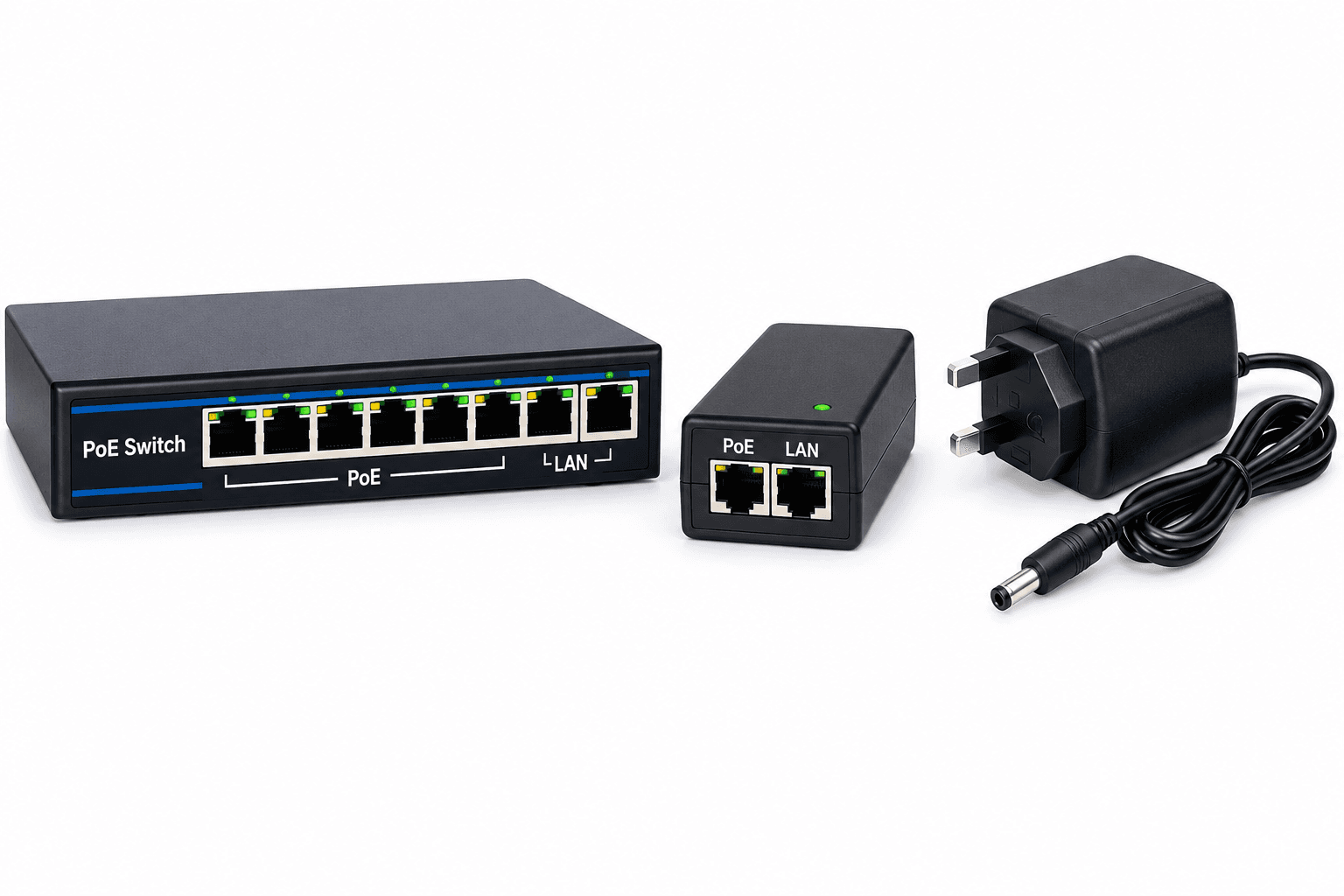
A PoE switch is a network switch that sends power through its ports to every connected device that needs it. Plug an IP camera into port 3, and it gets data and power at once.
Choose a PoE switch when:
You are installing four or more devices (a CCTV system with several cameras, or several access points).
Your devices will sit in different places but connect back to one central point, like a server cabinet or a comms room.
You want a clean, scalable setup you can expand later.
Pros: one box powers everything, easy to back up with a UPS, simple to manage and expand.
Cons: costs more upfront than a single injector, and you must check that the total power it can supply covers all your devices (more on that below).
If you are planning a camera system, you can browse our range of Dahua CCTV equipment and pair it with a PoE switch sized for your camera count.
Option 2: The PoE injector (best for one or two devices)
A PoE injector is a small adapter that sits between your normal (non-PoE) switch or router and your device. You plug the network cable from your router into the injector's "LAN" port, then another cable from the injector's "PoE" port to your device. The injector adds power to the data line.
Choose a PoE injector when:
You only have one or two PoE devices (a single access point in a shop, or one outdoor camera at a gate).
Your existing switch or router has no PoE, and you do not want to replace it.
You are adding one PoE device to a network that already works fine.
Pros: cheap, simple, no need to change your current network.
Cons: each injector needs its own power socket near your switch, so it gets messy fast if you have many devices. For a larger setup, a PoE switch is the tidier option.
Option 3: The regular power adapter (when PoE isn't needed)
Sometimes the simplest answer is the best one. If your device sits right next to a power socket, or it does not support PoE at all, a standard power adapter does the job perfectly.
Choose a power adapter when:
The device is indoors, near a socket (for example a desk IP phone or a router on a shelf).
Your device doesn't support PoE.
You want the lowest possible cost and have no cabling challenge to solve.
Tip: always match the adapter's voltage and amperage to what the device label says. A wrong voltage can stop it from working or damage it. If you are unsure, check our accessories and networking products or ask our team before you buy.
Quick comparison: which one do you need?
Situation | Best choice |
|---|---|
4+ CCTV cameras | PoE switch |
1 to 2 access points or cameras, no PoE switch | PoE injector |
Multiple access points across an office or hotel | PoE switch |
Desk IP phone near a socket | Power adapter (or PoE if the phone supports it and you have a PoE switch) |
Device far from any power outlet | PoE switch or injector |
Device that doesn't support PoE | Power adapter |
Know your PoE standards (this is where people get burned)
Not all PoE is the same. This is the part most buyers skip, and it is the one that causes the most problems.
Standard PoE (IEEE standards)
These are the "safe" kinds. The switch and the device talk to each other first, and the switch only sends power if the device actually asks for it. That means it is very hard to damage a device by mistake.
802.3af (PoE): up to about 15.4W per port. Suitable for most IP phones and many basic cameras.
802.3at (PoE+): up to about 30W per port. Suitable for most access points and PTZ cameras.
802.3bt (PoE++): up to 60W or 100W. Used for power-hungry gear like high-end PTZ cameras and some wireless equipment.
Passive PoE
This is the one to watch. Passive PoE sends power down the cable all the time, at a fixed voltage (often 12V, 24V or 48V), without checking whether the device can handle it. Plug a device that expects 12V into a 24V passive injector, and you can burn it out.
Some networking brands use passive PoE on certain models, so always read the label on your device and the specs on your injector or switch. If the voltage doesn't match, don't plug it in.
Rule of thumb: if both the device and the switch say "802.3af" or "802.3at", you are safe. If either side says "passive", check the voltage carefully first.
How to work out your power budget (simple version)
A PoE switch has a total power budget, which is the maximum wattage it can share across all its ports at the same time. A switch with 8 ports does not necessarily have enough power to run 8 hungry devices at full draw.
Here is an easy way to check:
List your devices and find each one's power use on its spec sheet (roughly: basic IP cameras 4W to 12W, access points 10W to 25W, PTZ cameras 20W to 30W or more, IP phones 2W to 6W).
Add them up.
Add about 20 to 30 percent extra as a safety margin.
Compare that number to the switch's total PoE budget.
If your total is higher than the budget, the switch will start shutting down ports or devices randomly. That is usually when people call us saying "my camera keeps going offline." Often it is not the camera. It is the power budget.
The 100-metre rule and cable quality
PoE runs over standard network cable, but with limits:
Maximum distance is about 100 metres from the switch or injector to the device. Go beyond that and you get weak signal or power drops.
Cable quality matters. Cheap copper-clad aluminium (CCA) cable has higher resistance and often fails over longer runs when carrying power. Pure copper CAT5e or CAT6 is the safer choice for PoE.
For longer distances, such as a camera at the far end of a compound, you may need a PoE extender or a fibre link with a media converter. If fibre is new to you, our beginner's guide to what SFP is and how it works is a good place to start.
Real-world examples for Kenyan setups
A small shop with 4 CCTV cameras A 4-port or 8-port PoE switch is the cleanest answer. One cable per camera, one UPS backing up the whole system.
A single outdoor camera at a gate A PoE injector is usually enough, especially if your router has no PoE.
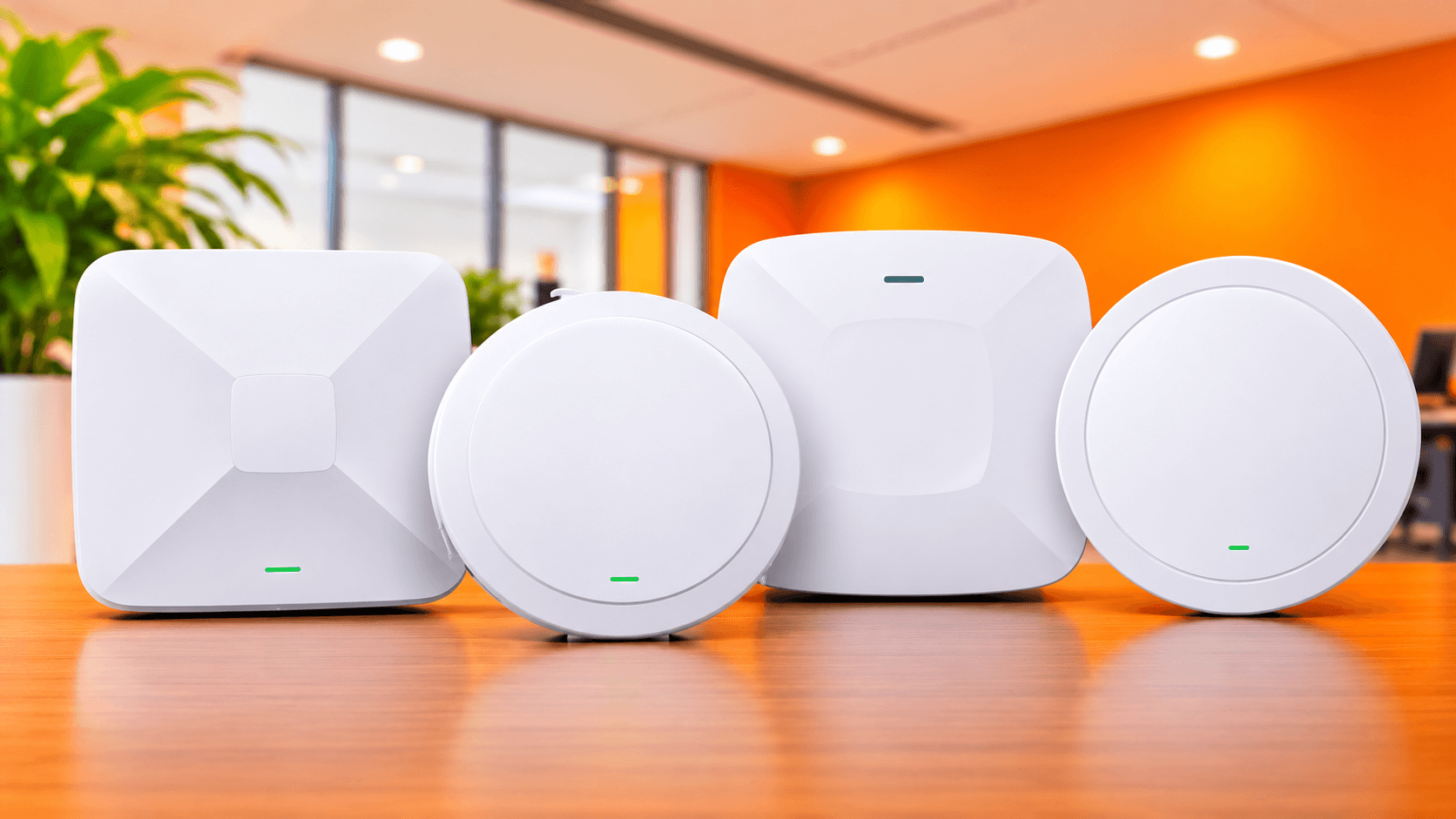
An office with several WiFi access points A PoE switch makes it easy to place access points on ceilings for even coverage. If you are deciding between bands, our article on 2.4GHz vs 5GHz WiFi will help you plan.
A point-to-point wireless link between two buildings Many outdoor wireless units are powered by PoE injectors. Check our explainer on PTP vs PTMP wireless links to choose the right setup, and be extra careful about the PoE type on these devices.
A home with a router and one access point A PoE injector or a standard power adapter is plenty. No need to overspend on a switch.
If you are upgrading your home network and need a router first, see our list of the best WiFi routers in Kenya for 2026.
Common PoE mistakes to avoid
Mixing passive and standard PoE without checking voltages.
Ignoring the power budget and overloading the switch.
Using cheap CCA cable and then blaming the camera.
Running cables over 100 metres without an extender.
Buying a non-PoE switch for a camera system, then realising you need injectors for every single camera.
Forgetting backup power. A PoE switch on a UPS is one of the best upgrades you can make for security and uptime.
So, which one should you buy?
Here is the short version:
Many devices: get a PoE switch.
One or two devices: get a PoE injector.
Device next to a socket, or no PoE support: a normal power adapter is fine.
Before you buy anything: check the PoE standard, voltage and power budget.
Not sure which one fits your setup? Our team in Nairobi can help you pick the right gear for your cameras, access points or phones, and deliver countrywide. You can browse all our networking and CCTV products here, or call us on +254 724 368 347. Tell us what you are installing and we will point you to the right switch, injector or adapter so you only pay for what you need.
For more practical guides like this one, keep an eye on our Tech News and Insights page.
Frequently asked questions
Can I power any IP camera with a PoE switch? Only if the camera supports PoE. Check the spec sheet for "PoE", "802.3af" or "802.3at". Cameras that need a separate power adapter will not turn on from a PoE port alone.
Will a PoE switch damage a non-PoE device? Standard PoE switches (802.3af/at/bt) only send power to devices that ask for it, so a non-PoE device is safe. Passive PoE is different and can damage devices, so always check first.
What is the difference between PoE and PoE+? PoE (802.3af) supplies up to about 15.4W per port, while PoE+ (802.3at) supplies up to about 30W. PoE+ suits more demanding devices like access points and PTZ cameras.
How far can PoE reach? About 100 metres over standard network cable. For longer runs, you will need a PoE extender or a fibre link.
Do I need a PoE switch if I already have a PoE injector? Not if you only have one or two devices. Once you reach four or more, a PoE switch is usually neater and easier to manage.