
RB951Ui-2HnD vs hAP RB951Ui-2nD
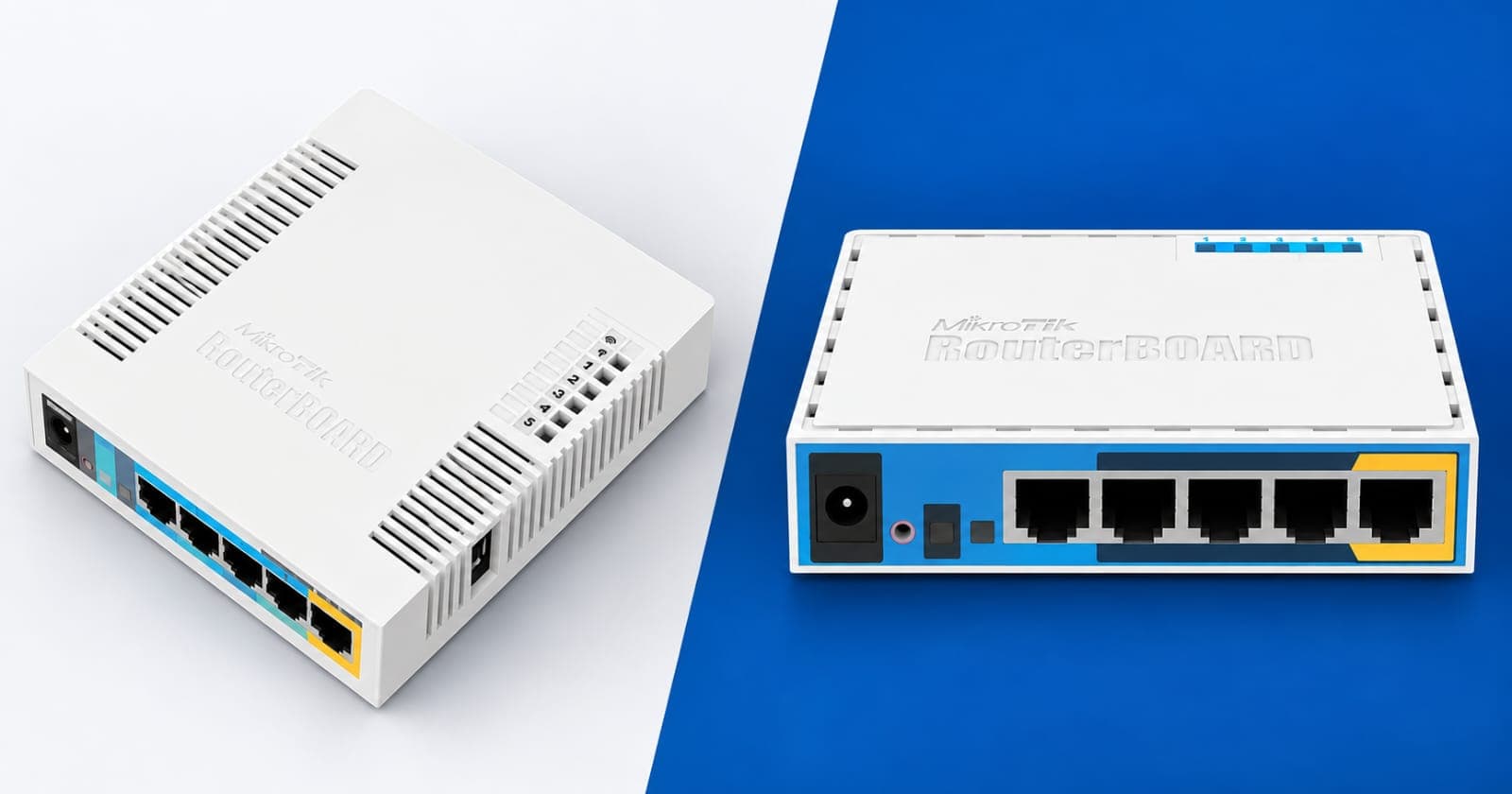
RB951Ui-2HnD vs hAP RB951Ui-2nD, What's the Real Difference?
At a glance, these two MikroTik boards look like twins. Same plastic case, same five Ethernet ports, same era, and often the same rough price bracket. But if you install the wrong one on a job, you'll either be underpowered for the space or overpaying for capability you don't need. This guide breaks down exactly what separates the RB951Ui-2HnD from the hAP, model number RB951Ui-2nD, so you can pick the right one with confidence.
Why the Naming Matters
Look closely at the model numbers. RB951Ui-2HnD and RB951Ui-2nD. That single letter H is not a typo, it's part of MikroTik's naming convention, and it tells you almost everything you need to know before you even open a datasheet. In MikroTik's system, H stands for high power radio. So right away, you know the 2HnD board is built to push a stronger wireless signal than the 2nD board. That one letter explains most of the differences covered below.
Radio Power and Wireless Range
This is the biggest practical difference between the two. The RB951Ui-2HnD transmits at up to 1000 milliwatts, or 30 dBm, on its 2.4GHz radio. The hAP, RB951Ui-2nD, transmits at around 160 milliwatts, roughly 22 dBm. That's a significant gap, over six times the transmit power on the 2HnD.
What does that mean on the ground? The RB951Ui-2HnD punches through more walls, covers a bigger area, and holds a usable signal further from the unit. It's the better pick if you're covering a large house, a warehouse, or a compound where the router has to serve multiple rooms or an outdoor courtyard.
The hAP's lower power isn't a weakness though, it's a deliberate design choice. In a small apartment or office where devices sit close to the router, high transmit power just means more interference with neighboring WiFi networks and more contention on a crowded 2.4GHz band, especially in an apartment block where twenty other routers are competing on the same channels. Lower power in a tight space can actually mean a cleaner, more stable connection.
Rule of thumb: reach for the 2HnD when you need range, and the hAP when you're working in a tight space with a lot of RF noise around you.
CPU, RAM and Storage
Here's where it gets interesting for anyone doing real configuration work.
Spec | RB951Ui-2HnD | hAP (RB951Ui-2nD) |
|---|---|---|
CPU | Atheros AR9344, 600 MHz | Atheros QCA9531, 650 MHz |
RAM | 128 MB | 64 MB |
Storage | 128 MB NAND | 16 MB Flash |
Ethernet ports | 5x 10/100 | 5x 10/100 |
USB port | 1x USB 2.0 | 1x USB |
Max power draw | Up to 7W | Up to 5W |
The hAP actually has a slightly faster clock speed, 650MHz versus 600MHz on the 2HnD. But clock speed isn't the whole story. The RB951Ui-2HnD has double the RAM, 128MB against the hAP's 64MB, and eight times the onboard storage, 128MB versus just 16MB. If you're planning to run heavier firewall rule sets, multiple queues, logging, or you want headroom to install extra packages, the 2HnD gives you more room to work with. The hAP's limited 16MB storage fills up fast if you're not careful, especially with verbose logging turned on.
Power draw also differs slightly, the 2HnD pulls up to 7 watts under load, the hAP tops out around 5 watts. Not a huge deal for a single unit, but if you're deploying dozens of these across a site, it adds up on your power budget.
Build, Ports and Extras
Physically, both boards are close cousins. Five 10/100 Fast Ethernet ports on each, so neither is gigabit, keep that in mind if a client asks for gigabit LAN speeds, you'll want to point them toward a different model entirely. Both have PoE output on port 5, meaning you can power a second PoE device, like a camera or another access point, straight off the router. Both accept passive PoE input as well as a standard power jack.
One practical note from the field, the hAP ships preconfigured out of the box. Plug in power and an internet cable and it starts serving WiFi immediately, which makes it a fast deployment for home users who just want it working. The RB951Ui-2HnD typically needs manual setup through Winbox, which isn't a big deal for a technician, but it's worth knowing if you're handing the unit directly to a non-technical client.
Which One for Which Job
Choose the RB951Ui-2HnD when you need maximum wireless range from a single unit, when you're covering a larger home, a small hotel, or a compound with outbuildings, or when the router needs to push signal through thick walls. Also lean toward it when the deployment needs more RAM and storage headroom, for example a hotspot setup with several dozen concurrent users and active bandwidth queues.
Choose the hAP, RB951Ui-2nD, for a small apartment, a single-room office, or any dense environment where lower transmit power actually reduces interference rather than costing you coverage. It's also the friendlier option if you want a plug-and-play unit for a client who won't be doing any configuration themselves.
One more field note, both of these are older RouterBOARD models. MikroTik has since released newer hAP variants, like the hAP ac² and hAP ac³, with dual-band wireless and gigabit ports. If a client's budget allows and they need dual-band or gigabit LAN, it's worth pointing them toward the newer range instead.
Where to Get One in Kenya
If you've decided the RB951Ui-2HnD is right for your job, Talisa Technologies stocks both a brand new unit and a refurbished option if you're working on a tighter budget:
If you're after the hAP, or want to compare it with newer MikroTik models like the hAP ac² or the gigabit RB760iGS hEX S, check current stock on the full MikroTik and networking devices page.
Final Thoughts
The H in RB951Ui-2HnD stands for high power, and that one letter drives most of the differences you'll feel on the job, more range, more RAM, more storage, slightly more power draw. The hAP trades some of that for a quieter radio, a lower price point historically, and a plug-and-play setup that's friendlier for non-technical users.
Not sure which one fits your specific installation? Call +254724368347 and the team at Talisa Technologies can help you match the right MikroTik board to the job.

