How to Buy a Second-Hand iPhone in Nairobi Without Getting Conned
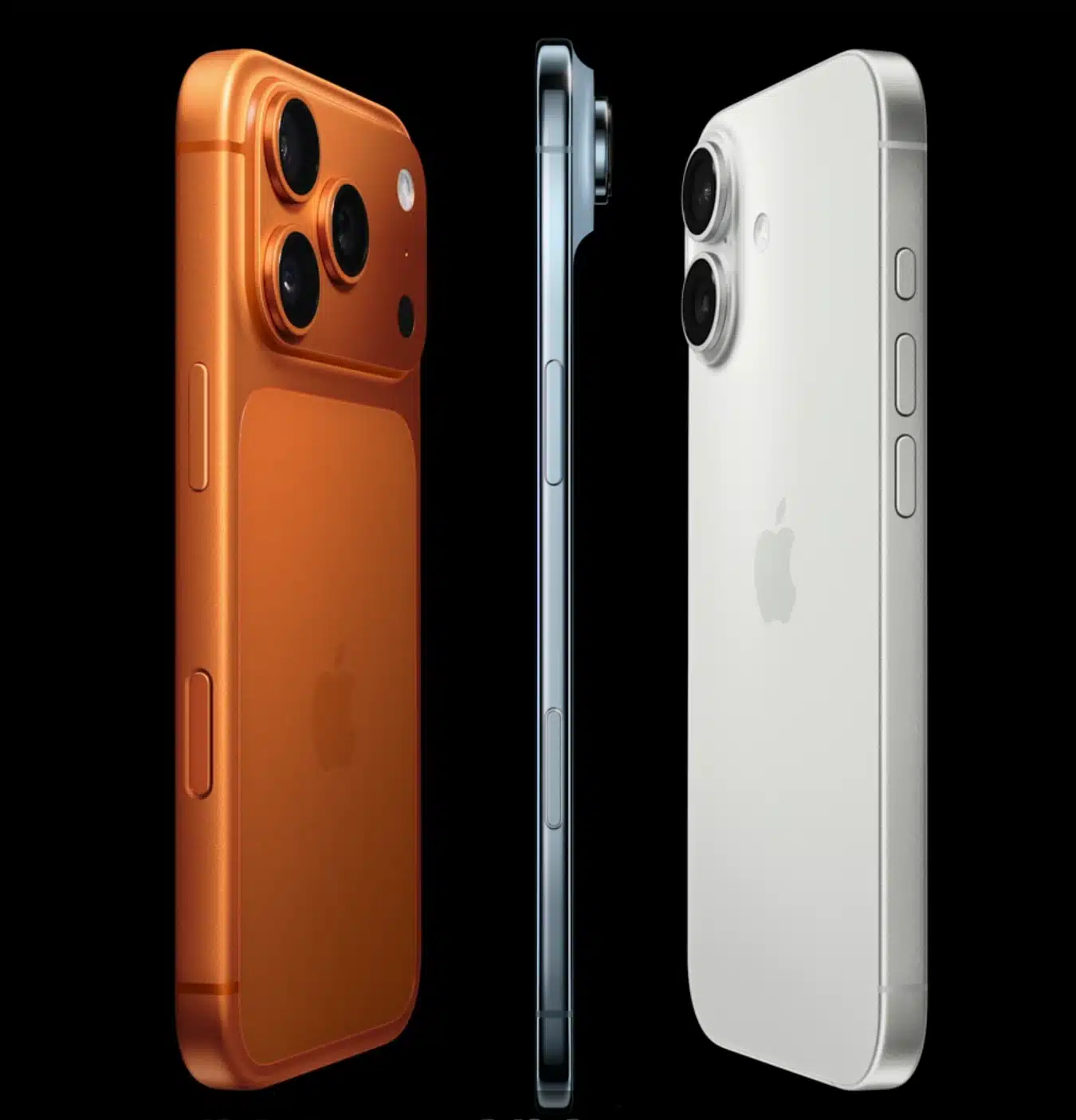
So you want to buy a second-hand iPhone in Nairobi. Smart move. iPhones hold their value, their cameras are still unbeaten, and a good used one can last you three to five years without drama. The problem? Nairobi's second-hand phone market is full of traps -cloned devices, stolen units, water-damaged phones dressed up in a new screen, and sellers who vanish the moment something goes wrong.
This guide will walk you through exactly what to check before you hand over a single shilling. Whether you are buying from a shop, an online listing, or a friend of a friend, these steps will keep you safe.
First, Understand What "Ex-UK" Actually Means
You have probably seen the term ex-UK iPhone everywhere in Nairobi, from social media listings to shop outlets. But what does it actually mean?
Ex-UK iPhones are phones that were originally sold and used in the United Kingdom, then exported to Kenya for resale. Because the UK has strict consumer protection laws, most of these phones were well-maintained and traded in through official channels like network carriers and Apple trade-in programmes. That means you are generally getting a phone that was used responsibly, not thrashed.
This is different from locally used second-hand phones, which have had varying owners with no traceability. Ex-UK iPhones tend to come in better condition, with more predictable battery health and less cosmetic damage.
At Talisa Phones, we stock a wide range of ex-UK iPhones in Nairobi - from the iPhone 11 all the way to the iPhone 15 series. Every unit goes through checks before it hits our shelves. But whether you buy from us or anywhere else, the steps below will protect you.
Step 1: Check the IMEI Number Before Anything Else
The IMEI is the unique identity number of every phone. It is the single most important thing to check when buying a used iPhone in Kenya.
Here is how to find it:
Dial *#06# on the phone and the IMEI will appear on screen
Go to Settings > General > About and scroll down to IMEI
Check the box or the SIM tray if the phone comes with original packaging
Once you have the IMEI, run it through a free checker like IMEI.info or CheckMEND. You are looking for:
Blacklist status - a blacklisted phone cannot make calls or connect to mobile data, even with a Safaricom or Airtel line.
Stolen status -if it is reported stolen, using it could create legal problems for you
Original model -confirm the model on the checker matches what the seller is telling you
This one check alone eliminates most scams. A seller who refuses to let you check the IMEI before paying is a seller you should walk away from.
Step 2: Verify It Is a Genuine iPhone, Not a Clone
Clone iPhones exist, and some of them look frighteningly close to the real thing from the outside. A fake iPhone 14 Pro with a convincing box has fooled more than a few buyers in Nairobi.
Here is how to confirm you are holding the real thing:
Check Settings > General > About. A genuine iPhone will show an iOS version number. Clones typically run a modified Android that mimics iOS but cannot fake the actual software. If the "About" page looks off, or if the phone is running "iOS" but has an app drawer like Android, it is fake.
Connect it to a computer with iTunes or Finder. A genuine iPhone will be recognised immediately. Clones will either not connect at all or show up as a generic Android device.
Check the build quality up close. Real iPhones have seamless edges, consistent font rendering, and no spelling errors anywhere in the settings. Clones usually have some tell - a slight gap around the screen, sluggish animations, or a speaker grille that does not quite line up.
If you want peace of mind without any guesswork, buy from a shop like Talisa Phones where every iPhone is verified before sale.
Step 3: Test the Battery Health
Battery health is the first thing that degrades on a used iPhone, and it directly affects how useful the phone is to you day to day.
Go to Settings > Battery > Battery Health & Charging. This tells you what percentage of the original battery capacity remains.
Here is a simple guide to what those numbers mean for an ex-UK iPhone in Nairobi:
85% and above - excellent. This phone will comfortably last you a full day.
75% to 84% - decent, but expect to charge once midday with heavy use.
Below 75% - avoid unless the price reflects it heavily, or you are willing to factor in a battery replacement soon.
A battery replacement at an authorised service point in Nairobi typically costs between KSh 4,000 and KSh 11,000 depending on the model, so factor that into your budget if the health is low.
Sellers who refuse to show you this screen are almost always hiding something.
Step 4: Check for iCloud Lock
This is one of the most common ways buyers get burned. An iCloud-locked iPhone is essentially a very expensive paperweight. It cannot be set up or used by anyone other than the original Apple ID owner.
To check, look at the screen when the phone is on. If you see a message asking for an Apple ID and password that the seller cannot provide, the phone is iCloud-locked. Do not buy it under any circumstances, no matter what the seller promises.
If the phone is already set up, ask the seller to sign out of their iCloud account in front of you before you pay. Go to Settings > [their name] > Sign Out. Once they do that, reset the phone to factory settings and set it up fresh with your own Apple ID.
Step 5: Test Everything on the Phone Before You Pay
Do not rush this part. A good seller will give you all the time you need. A bad seller will try to hurry you.
Go through this checklist physically on the device:
Make a test call and confirm the microphone and earpiece work
Test the front and rear cameras, including video recording
Connect to WiFi and confirm it holds a stable connection
Test Bluetooth by pairing with your earphones
Check Face ID or Touch ID - these should work without any errors
Check all ports: plug in a charger and confirm it charges, test the speakers
Inspect the screen for dead pixels, yellow spots, or uneven brightness
Scroll through several apps to check for lag or overheating
If even one of these fails and the seller has no explanation or adjustment in price, walk away.
Step 6: Ask About the Warranty and Return Policy
Any serious phone seller in Nairobi will offer at least a short warranty on their devices. This is your last line of defence if something goes wrong after purchase.
At Talisa Phones, all our ex-UK iPhones come with a warranty and our team is available to support you after your purchase. .
When buying anywhere, ask these questions upfront:
What is the warranty period?
What does the warranty cover?
What is the return or exchange policy if the phone develops a fault in the first week?
If the seller cannot answer clearly, that tells you everything about what their after-sales support will look like.
Where to Buy a Trusted Second-Hand iPhone in Nairobi
Now that you know what to look for, the last question is where to actually buy.
Buying online without seeing the phone first is a gamble. And buying from a stranger on social media is risky unless you can meet in person and run all the checks above.
The safest option is a physical shop that specialises in used and ex-UK iPhones, has transparent pricing, lets you inspect before you buy, and stands behind what they sell.
We stock:
We also stock iPhone accessories including cases, screen protectors, chargers, and earphones. Browse our full accessories collection to complete your setup.
Final Word
Buying a second-hand iPhone in Nairobi does not have to be stressful. It just takes a few minutes of checking the right things. Run the IMEI, verify it is genuine, check battery health, confirm there is no iCloud lock, test everything, and buy from someone who will stand behind the phone after the sale.
If you want to skip the stress entirely, come visit us at Talisa Phones or browse our stock online at www.talisaphones.co.ke. We will help you find the right iPhone for your budget without any of the risk.